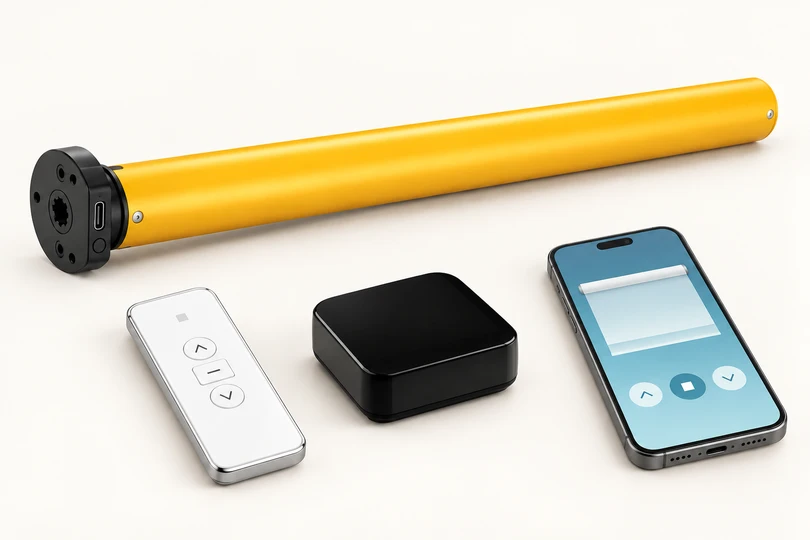
Simple remote control
Standard RF motor
Control the shade with a compatible remote. To use your phone, connect through a compatible smart hub, then Tuya / Smart Life and linked Google/Alexa apps on eligible styles.
Answers about styles, measuring, pricing, motors, smart home controls, shipping and shade care.
Choose a style, light control, fabric/color, size, and features in Customize Your Shades. Review the cart before ordering. Online payments are not active yet; use Request a Quote for a confirmed offer.
Yes. Email your measurements or any competing quote to sales@shades360.com, or attach it to our quote request form. Tell us which features you want. We’ll provide our own quote; this is not an automatic price-match promise.
Standard shipping is included with accepted orders in the contiguous US. Other destinations need an emailed availability and delivery quote.
Estimated production is 7–10 business days after specifications and payment are confirmed. Shipping transit is additional; your confirmed order or quote will set out the timing.
Light-filtering fabric welcomes diffused light. Room-darkening fabric reduces incoming light. Blackout is a fabric rating; an installed shade can still admit light around its edges. Zebra sheer bands and Shangri-La sheer layers also affect the room’s light and privacy.
Do not assume they do. Openness and lighting affect visibility. Ask us about the selected fabric and your privacy needs, especially when interior lights are on at night.
Record inches and fractions in ⅛-inch increments. Keep raw window-opening measurements and confirm which dimensions the selected collection requires. Do not apply an assumed factory deduction. See Measuring & Installation.
Yes. Add an optional room/window name in the size step. It appears in the selection summary and cart so you can review each shade separately.
Use Fabric Samples to request availability. We’ll confirm sample availability, cost if any, and delivery details before sending anything.
The selected style, size, or option does not have a confirmed online price. Save it for review and submit Request a Quote. Quote-only items are not included in the priced-items subtotal.
Available operations vary by style and collection. Choose from the options displayed and confirm your selected motor, charging method, remote, and accessories with your quote.
The online shade price does not include installation. Follow the exact product’s supplied instructions or arrange your own qualified installer.
Contact us before sending anything back. Custom-made shade concerns are reviewed case by case; a free remake or refund is not automatic.
Email sales@shades360.com with your order number, affected window, and photos. See Returns & Changes and our 5-Year Limited Warranty page.
Start with your preferred controls and the smart home equipment you already own. Motor availability depends on the shade, size and configuration. New motor and gateway combinations marked “Quote required” need confirmed pricing.
Choose the controls that suit your home, then confirm the motor and accessories for your shade. Images show control methods; actual hardware varies.
Control the shade with a compatible remote. To use your phone, connect through a compatible smart hub, then Tuya / Smart Life and linked Google/Alexa apps on eligible styles.
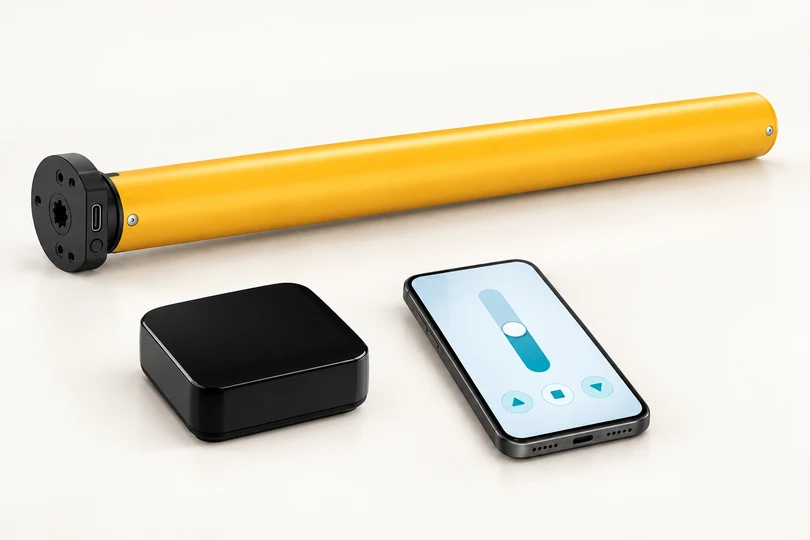
The setup shown connects the Bluetooth motor through a compatible hub to Tuya / Smart Life and linked Google/Alexa apps. Confirm your exact motor and hub before ordering.
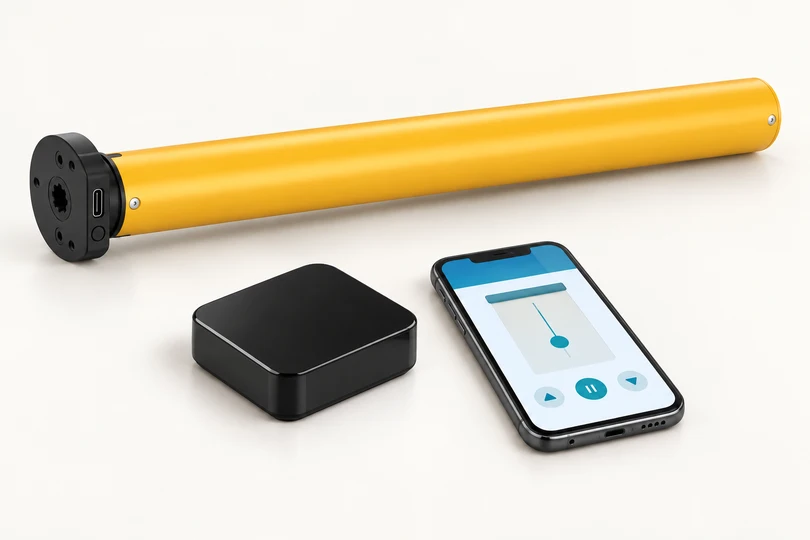
Connect through a compatible Zigbee hub for the listed Tuya / Smart Life and linked Google/Alexa setup. Existing hubs and supported features need confirmation for the exact motor.
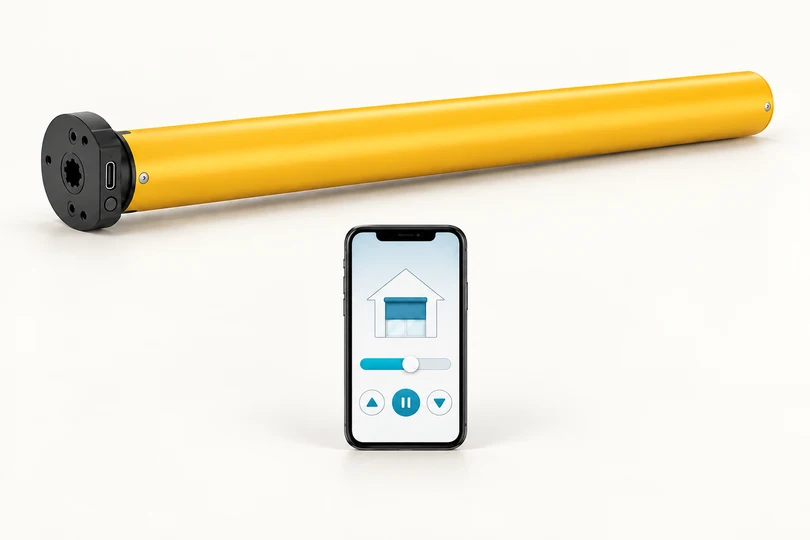
No separate shade hub is needed for the pictured Matter app path. Use a compatible Google, Alexa, Apple or Samsung platform. A supported Matter controller is still required; Matter over Thread also needs a Thread border router, which may already be part of your smart home setup.
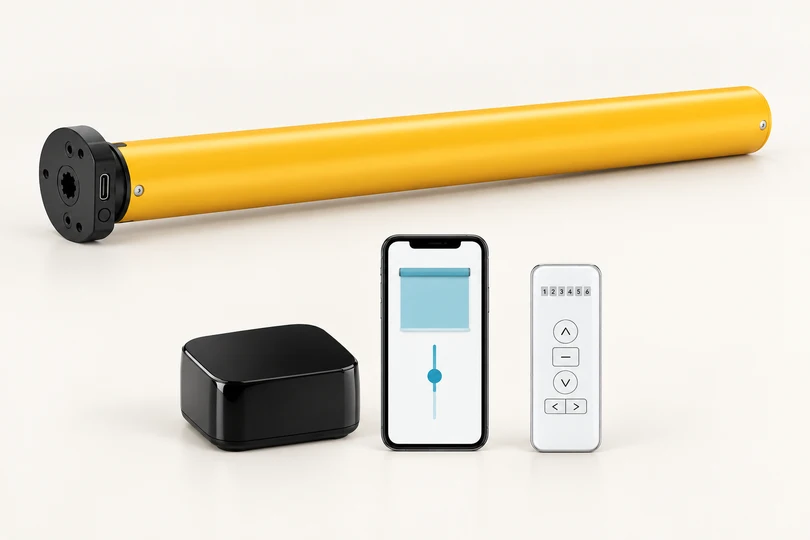
Z-Wave is a separate control technology that uses a compatible Z-Wave controller. It is not listed in the current Shades360 supplier catalog. Contact us to check motor availability, shade fit, supported platforms and pricing before planning an order.
Ask about Z-Wave availability ↗Standard, Bluetooth and Zigbee pictures show the hub-based app setup. Some Bluetooth versions also support local direct app access. Matter skips the separate shade hub but still uses compatible platform equipment; Matter over Thread needs a Thread border router.
| Motor | Best for | Phone & smart home controls | Gateway |
|---|---|---|---|
| RF remote motor | Simple everyday remote control | Remote alone is local. A compatible gateway adds Smart Life / Tuya, away-from-home control and linked Google/Alexa. | Optional compatible RF smart hub for eligible Zebra, Roller and Shangri-La motors |
| Bluetooth motor | Hub-based phone control without a gateway | The setup shown uses a compatible hub for Tuya / Smart Life and linked Google/Alexa app control. Some motor versions also support local direct Bluetooth control. | Optional compatible smart hub |
| Zigbee motor | A compatible Zigbee home or multiple shades | Smart Life / Tuya through a compatible gateway; linked Google/Alexa integration. | A compatible smart hub or confirmed compatible existing Zigbee gateway is required. |
| Matter motor | A compatible Apple Home, Google Home, Alexa or SmartThings setup | Pair with the platform’s app and compatible Matter controller. Directly connects to supported Google/Alexa/Apple/Samsung apps through the compatible platform setup. | Compatible Matter controller; Thread border router also required for Matter over Thread |
| Standard honeycomb RF motor | Remote-operated honeycomb shades | Remote control, with a compatible RF smart hub upgrade for app and linked Google/Alexa control. | Optional compatible RF smart hub; confirm the single AM24 motor configuration |
| 2-in-1 motor | A specialized shade configuration confirmed with us | Remote control. The supplied chart lists no app or voice integration. | No smart gateway option listed |
| Day & Night / TDBU motor | Compatible Day & Night or Top Down / Bottom Up honeycomb shades | Remote control. The supplied chart lists no app or voice integration. | No smart gateway option listed |
Choose RF for simple remote control, Bluetooth for nearby phone control, Zigbee for a compatible gateway-based smart home, or Matter to join a supported smart home platform. For honeycomb, 2-in-1, Day & Night and TDBU shades, confirm the mechanism and control requirements with us.
Direct Bluetooth control is local. The supplier lists approximately 10 meters of range and up to five directly connected motors, with a simultaneous-control limitation above five. A compatible smart hub gateway is needed for the listed away-from-home and linked Google/Alexa features. Walls and placement affect performance.
No. RF and the supported single AM24 honeycomb upgrade use compatible RF smart hub. Bluetooth and Zigbee use a compatible smart hub configuration. An existing Zigbee gateway must support the specific motor and intended app. Matter uses a compatible smart home controller. Share your exact hub and motor models with us before ordering.
Add a compatible smart hub for $59.99 with a Standard RF, Bluetooth or Zigbee motor, including the supported single honeycomb RF configuration. Remotes are $15 each in 1-, 6- or 16-channel versions. Hub and remote quantities are charged once per shade group. Matter does not use this separate shade hub; confirm your platform’s controller and Thread requirements.
Pair it through a supported smart home platform’s app and compatible Matter controller. The motor is not listed for direct Smart Life / Tuya pairing. For Matter over Thread, you also need a Thread border router. “Works with Matter” does not mean that every speaker model or every platform feature is supported.
Examples of Thread-capable equipment include HomePod mini, HomePod (2nd generation), Apple TV 4K (3rd generation, Wi-Fi + Ethernet), Nest Hub (2nd generation), Nest Hub Max and Nest Wifi Pro. Confirm the exact model, software, motor variant and supported shade functions. An older product name alone is not enough.
Setup references: Apple home hub requirements and Google Home Matter requirements.
The supplier chart lists up to 99 motors/devices for its gateway and Smart Life / Tuya setups. It lists approximately 80 meters for RF and Zigbee gateways, 10 meters for the Bluetooth gateway, and 30 meters for direct RF remotes. These are supplier figures, not guaranteed indoor coverage. Walls, interference, placement, firmware and voice-platform limits can reduce usable range or capacity. We’ll help plan a suitable setup.
The standard rechargeable motor specification shows a built-in 2600 mAh Li-ion battery and 5 V DC USB-C charging. A Type-C charging cable is included with the standard rechargeable motor. Typical use is around 4–6 months per full charge, depending on shade size and use. Confirm the exact motor variant before choosing a power supply or solar panel.
RF, Bluetooth, Zigbee and Matter describe control technology. Rechargeable battery and wired describe power. The standard rechargeable motor specifications do not automatically apply to specialized honeycomb or other motor families.
The supplied standard rechargeable motor sheet lists soft start/stop, stored travel limits, position memory, low-power warning, and solar charging support. It also lists intermediate stop positions and bidirectional feedback. App battery status, position reporting, schedules, scenes, voice and remote access depend on the exact motor electronics, compatible gateway and app setup. These features are not included with every motor configuration.
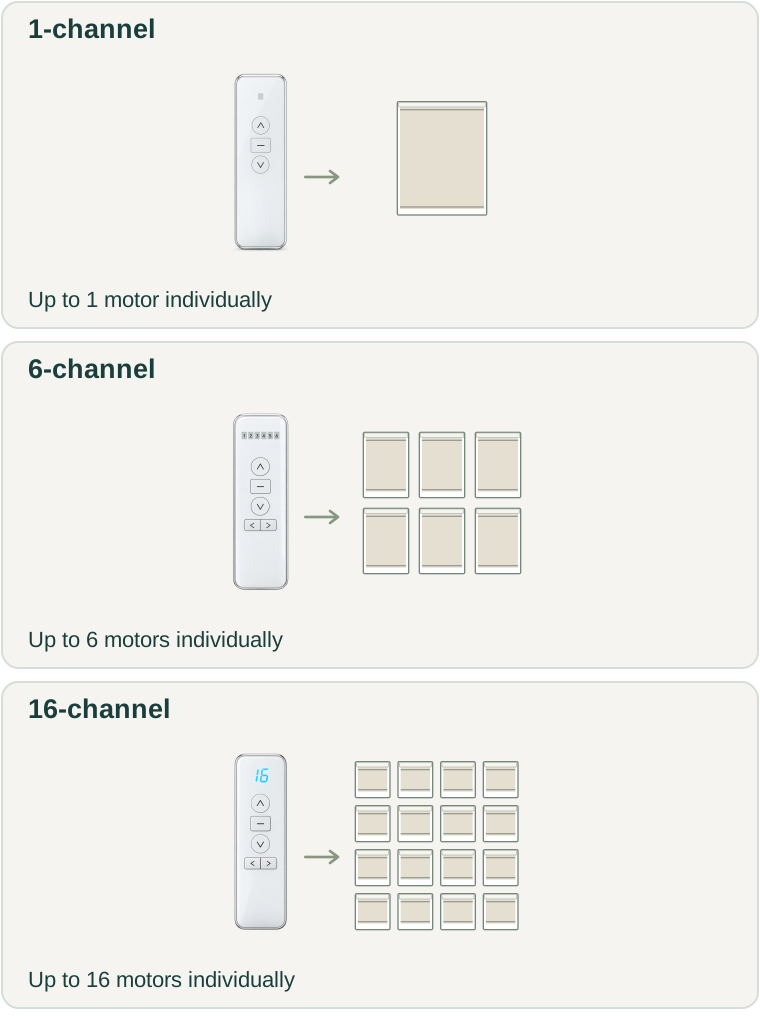
All configurations in the supplied chart support a compatible remote. Standard RF motors need one for standalone control. A 1-channel remote controls up to one motor individually; 6-channel up to six; 16-channel up to sixteen. Grouped shades can share a channel. Choose remotes for convenient locations, and confirm pairing compatibility. Each remote is $15 regardless of channel count.
Compatible rechargeable motors can use an optional solar panel at $59.99 each, per shade. The panel mounts near a window corner with a short charging lead routed behind the cassette to the motor inside the shade. Compatibility, available daylight and the charging connector need confirmation. Solar charging is not a feature of every motor.
The supplier specifically lists an compatible RF smart hub RF gateway upgrade for its standard single AM24 honeycomb motor. Its 2-in-1 and motorized Day & Night/TDBU entries list remote control only. Do not assume these specialized mechanisms can use the same app, gateway or motor as a roller shade. We’ll confirm the correct combination and price for your selected style.
Confirm the exact motor, hub and app combination first. A similar-looking motor or the same protocol name does not establish support for every hub or feature. Send us your equipment details so we can confirm a suitable Shades360 configuration.
Z-Wave is shown in our guide as an availability inquiry. It is not included in our current supplier catalog or selectable motor pricing. We will confirm availability, the motor, compatible controller and cost before offering an order.